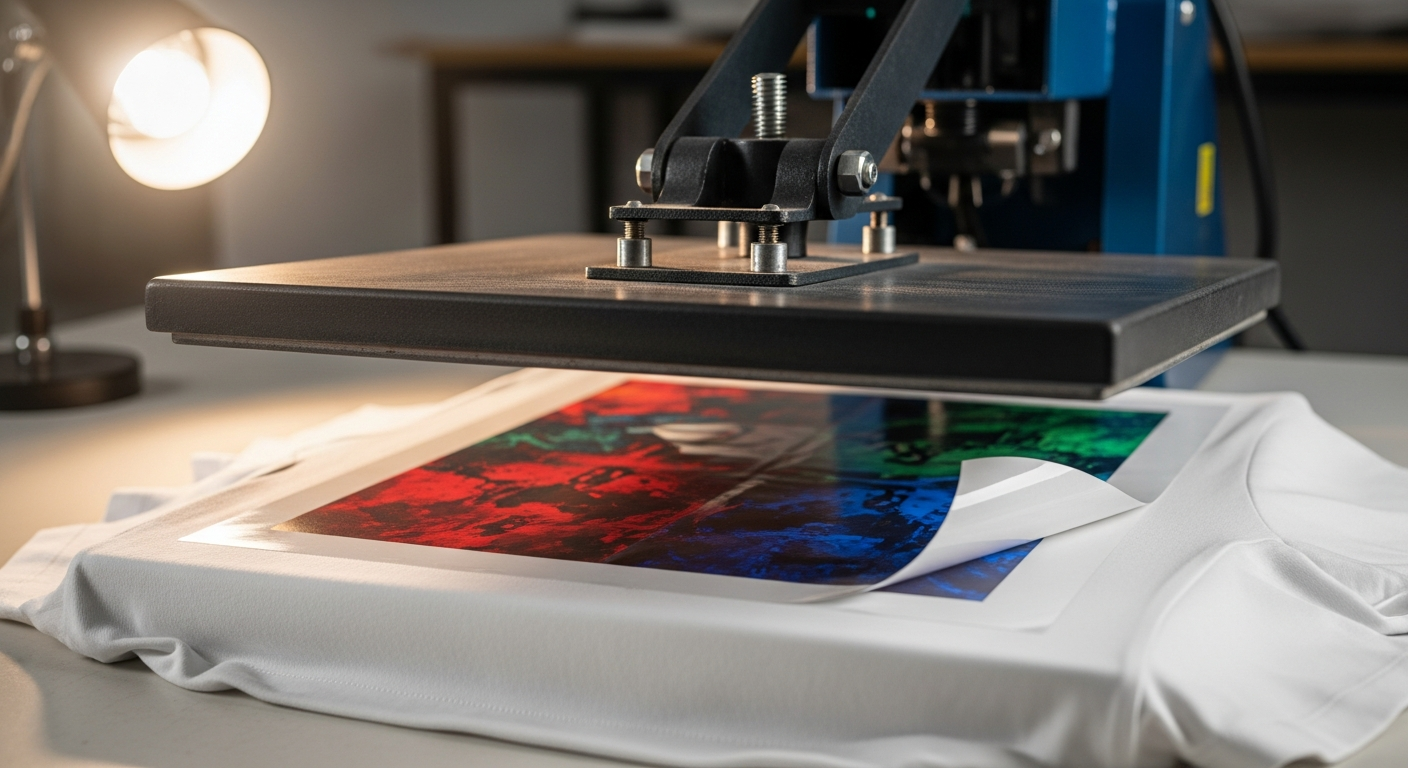
Article: Layering DTF Transfers Techniques That Actually Work
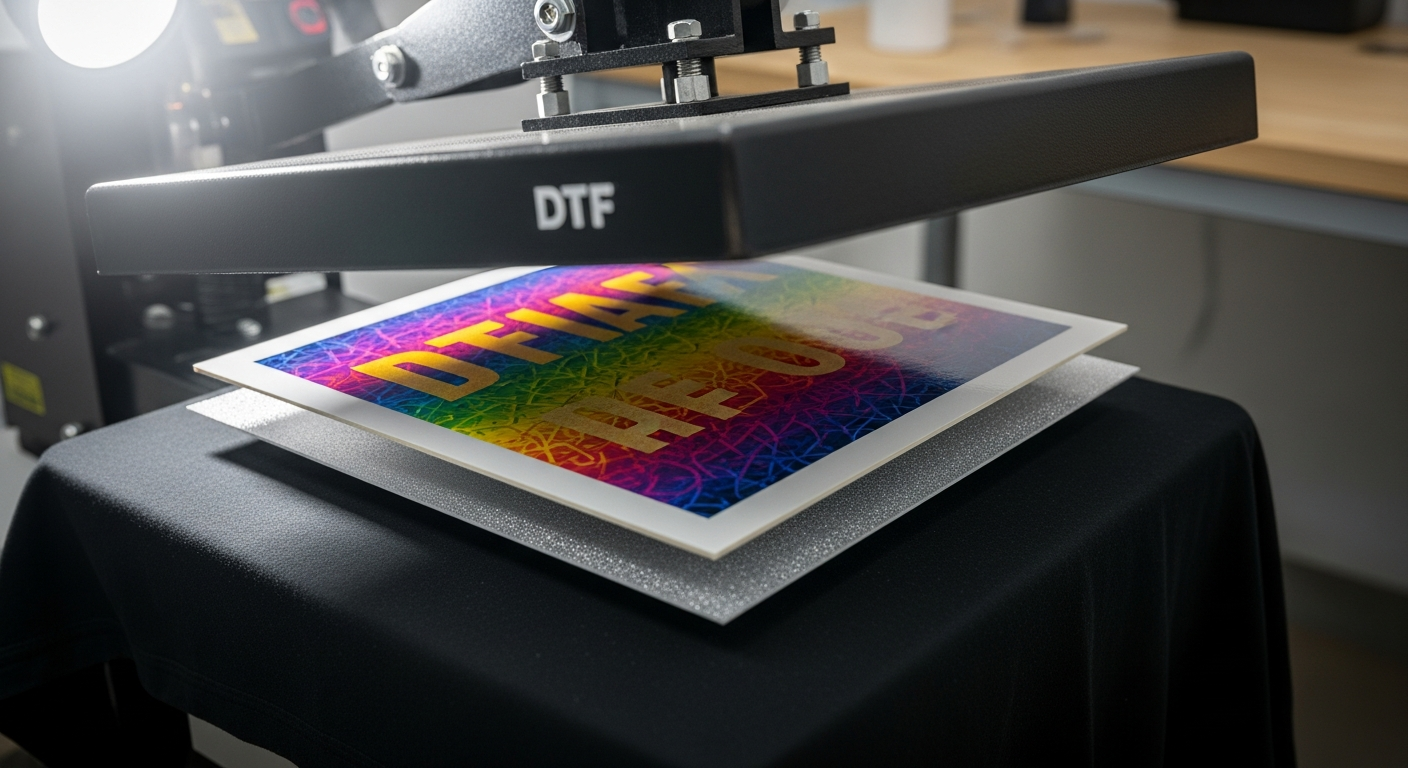
Layering DTF Transfers Techniques That Actually Work
Layering DTF transfers is one of those skills that looks straightforward until you've ruined a run doing it wrong. The mechanics seem simple enough: press one transfer, let it sit, press another on top. What's less obvious is how the surface changes between the first and second press, what that does to adhesion, and why the same temperature and pressure that worked on a blank tee are not always enough for a layered design.
Custom apparel shops layer transfers for specific reasons. A glittery base behind a full-color design. A puff texture combined with a sharp printed graphic. A large design split across two separate film pieces that need to register on the garment within a millimeter of each other. Each use case has its own challenges. The underlying technique is the same across all of them.
Why Shops Layer DTF Transfers
The most common layering application is a glitter base with a solid DTF on top. A glitter DTF transfer goes down first, creating a reflective metallic surface. The full-color design presses on top so light catches the glitter from behind the printed layer. This works best when the top design includes open areas, knockouts, or partial coverage so the glitter layer remains visible. Always test adhesion before production, since standard DTF does not bond as predictably to a smooth metallic surface as it does to fabric.
Puff transfers open up another option. A puff DTF base creates a raised, foam-like texture beneath a standard printed design. Puff can be combined with standard DTF, but it usually works best as a focal or top layer, or with carefully planned partial overlaps. Avoid fully covering puff with another transfer unless you have tested the combination first, since stacking a full transfer over puff can flatten or distort the raised texture.
Alignment overlays are the most common scenario in production environments. A large or complex design gets split into two separate transfer pieces, each positioned to complete the other on the garment. Here, layering is a registration problem more than a technique problem. Custom DTF Transfers by Size let you specify each piece separately with the exact dimensions you need for registration.
Getting the First Layer Right
The first layer determines what surface the second layer will bond to. Get it wrong and the second layer has no foundation to work with.
Start with a pre-press. Run the heat plate over the blank for a few seconds before pressing any transfer. This removes moisture from the fabric and flattens the fibers. On a single-layer job, skipping this step is a minor risk. On a layered job, the moisture that the second press drives out has nowhere to go except between the two layers, which causes bubbling between them.
DTF Jersey's verified DTF pressing instructions specify 290–310°F (143–154°C), with either high pressure for 6 seconds or medium pressure for 8–15 seconds. Apply these parameters to the first layer.
🔥 DTF Jersey First-Layer Press Specs
Follow the peel type specified for your transfer. If you are using DTF Jersey hot-peel transfers, peel the carrier immediately after the press opens. If you are using a cold-peel film from another supplier, wait until the transfer is fully cool before peeling. Pulling cold-peel film while hot can cause lifting; peeling hot-peel film cold can also damage the release.
That said, the bonded design itself needs to cool and stabilize completely before the second press goes down. The carrier may come off hot (or cold, depending on the film), but the adhesive layer underneath is still settling. Pressing a second layer onto a still-warm surface can deform the first design or increase the risk of bonding issues in both.
Pressing the Second Layer
The second transfer is pressing onto a surface that is part fabric, part cured transfer film. Bare fabric has texture: fibers the incoming adhesive can grip mechanically. A cured DTF surface is smoother and far less porous.
To compensate, lean toward high pressure on the second layer (the 6-second high-pressure setting) rather than the medium-pressure window. Temperature stays in the same 290–310°F range. The extra pressure helps the adhesive flow into the cured surface and bond without relying on fiber grip the way it would on a blank garment.
Position the second transfer before the platen closes; once the plate is down, there is no adjustment. Operators running frequent layered jobs keep a light table nearby to pre-align the film. For smaller overlay pieces, a weeding tool holds the transfer in position while the press closes. Zero movement between positioning and contact is the goal.
After pressing, peel according to your transfer type. Then follow with a brief re-press. DTF Jersey recommends the re-press step for any transfer application; on layered work it is particularly useful because it helps seat both layers more evenly.
How Fabric Affects Layered Transfers
Fabric composition affects every layer of a transfer job, and that effect compounds when you're stacking.
DTF often performs very well on cotton and cotton-rich blends, but quality transfers can also bond to polyester and performance fabrics when the correct settings are used. Cotton-rich garments tend to be more forgiving for the first layer pressing onto bare fabric. For the second layer, the dynamic shifts: that transfer is pressing onto cured transfer film, which is smoother and less porous than fabric, so adhesion relies more on adhesive flow than on fiber grip.
On low-cotton blends, polyester, or performance fabrics, the boundary between two transfer edges may be more sensitive to wear over time, especially with frequent washing. If you are producing layered work for clients running jerseys or athletic gear, review DTF Jersey's guide to DTF on different fabrics and advise those clients to wash garments inside-out in cold water to protect the boundary between layers. The blank apparel collection covers cotton-rich tees, blends, and a range of garment colors for consistent test runs.
What Goes Wrong and How to Prevent It
Frequently Asked Questions
Can you layer DTF transfers on top of each other?
Yes. Layering DTF transfers is a repeatable technique used in production apparel shops. The requirements are that the first layer is fully cooled and stabilized before pressing the second, that pressure is slightly increased to compensate for the smoother cured surface, and that the garment is pre-pressed to remove moisture before either layer goes down.
What temperature do you use when layering DTF transfers?
The same temperature range applies to each layer: 290–310°F (143–154°C), with either high pressure for 6 seconds or medium pressure for 8–15 seconds. Temperature does not change between layers. What changes is the surface the second transfer bonds to. That smoother, cured surface usually needs the high-pressure setting to achieve adhesion comparable to what a medium press gives on bare fabric.
How long should I wait between the first and second DTF layer?
Wait until the first transfer has cooled and stabilized completely before pressing the second. If the surface is still warm to the touch, the adhesive in the first layer is still settling. Pressing while it is warm can deform the first design or increase the risk of bonding issues in both layers. A full cool-down also gives you a stable surface to align the second transfer against before the plate closes.
Does layering DTF transfers reduce wash durability?
Layered transfers can hold well through normal washing, but they should be wash-tested because overlap edges are more vulnerable than a single-layer print. DTF Jersey's transfers are Intertek-tested for wash durability across 100-plus cycles. The most vulnerable point in a layered design is the boundary edge where the two transfers meet. Washing layered garments inside-out in cold water protects that boundary.
What to Order for Layered Work
Layering DTF transfers rewards preparation. The most common failures are rushing the cool-down between layers, skipping the pre-press on the blank, and applying the same pressure to the second layer that works on bare fabric. Adjust for those three and the technique becomes consistent.
DTF Jersey's Custom DTF Transfers by Size let you specify each layer separately with the exact dimensions and design you need. The DTF Gang Sheet Builder is a practical way to pack both layers onto a single sheet, keeping your order organized and your production run efficient. You can also upload a pre-arranged gang sheet if you have already laid out both layers in design software.
Ready to Build Your Layered Design?
Order each layer separately at the exact dimensions you need, or pack both onto a single gang sheet for a more efficient production run.
Custom DTF by Size → Build a Gang Sheet